Settings
Graphics Settings and FPS Optimization for Arena Breakout Infinite
If your frame rate collapses during a Farm push or Valley sniper duel, no sensitivity tip will save you. These Arena Breakout Infinite graphics settings prioritize stable FPS and readable enemies over maximum eye candy.
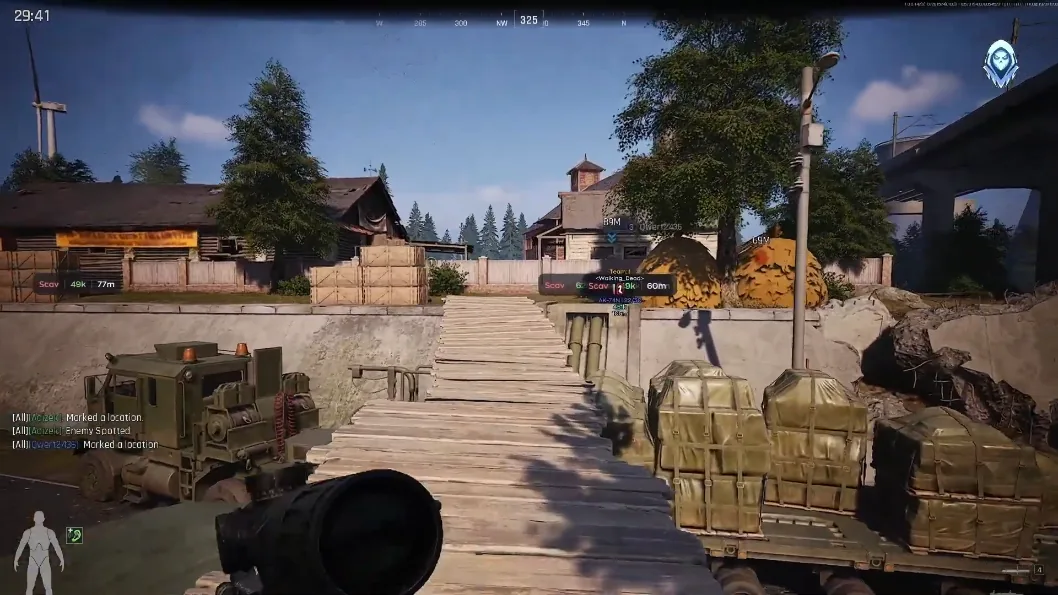
Visibility and performance before fancy numbers
Prioritize a stable FPS and readable shadows over ultra textures. Many strong players lower clutter so operator silhouettes pop sooner in tree lines and warehouse lighting. Cap frame rate slightly below your monitor refresh if you get stutters during fights.
Test changes in a quiet Scav or training mode before locking them for serious extraction raids. Your eyes adapt in a few sessions.
Settings that usually help ABI on mid-range PCs
Lower shadow quality, reduce post-processing, and trim view distance if you are GPU-bound. Keep textures moderate — blurry guns are annoying, but invisible enemies are worse. Update GPU drivers after major Morefun Studio patches.
Pair FPS work with our sensitivity and keybinds guide so aim stays consistent once frames stabilize.
Audio and network stability matter too
Use wired internet when possible. Packet loss feels like bad aim. Keep game audio clear — footsteps win extracts. Settings are leverage, not a cheat code; combine them with map knowledge from our loot routes article.