ESP
Container ESP and Loot Filtering Tips for ABI Raids
Container ESP is only useful when your screen stays readable. Arena Breakout Infinite raids move fast — if every crate glows the same color, you hesitate at the worst moments. These filtering tips keep overlays informative, not overwhelming.
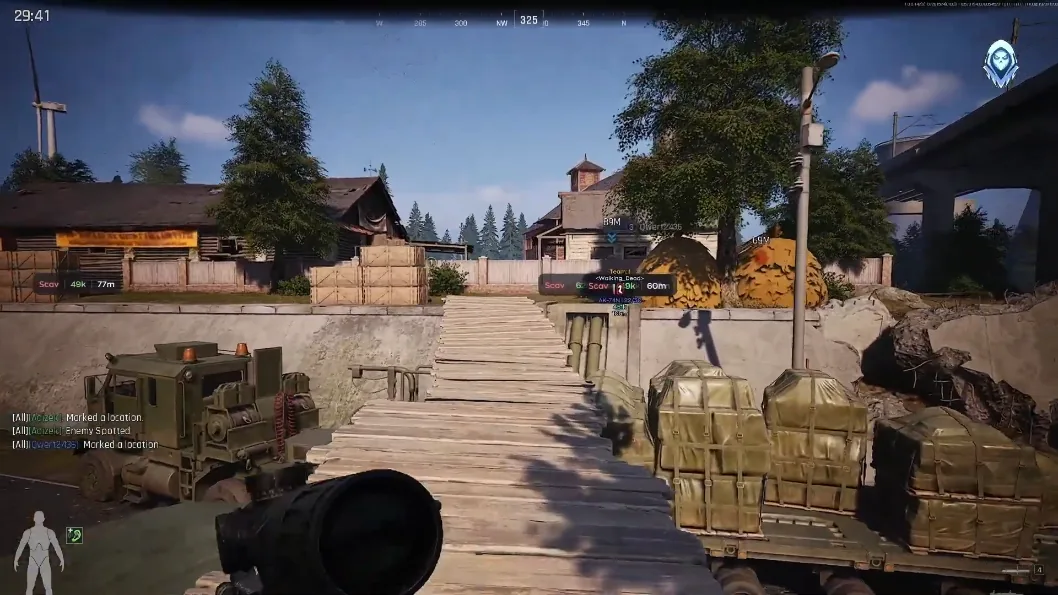
Start with categories, not everything at once
Enable weapons, meds, and high-value items first. Add ammo and armor next. Save “show all containers” for offline testing — in live raids it creates clutter. Match filters to your current goal: profit Scav versus geared operator push.
Distance and color discipline
Cap loot ESP distance so distant junk does not paint the horizon. Use contrasting colors for players versus containers — green loot and red threats is a common readable scheme. Lower opacity if boxes obscure doorways you still need to clear manually.
Pair filters with routes from our Farm loot guide so you are not sprinting to containers across the map.
When to turn loot ESP off
Disable container highlights during CQB pushes and extract holds. You need threat outlines, not crate spam. Re-enable when you are safely looting a cleared building.
After patches, confirm Updates and Features before assuming old filter profiles still load correctly.